D-Link Corporation
Staples Connect Hub powered by D-Link
DCH-G021
Central Controller
28
SD3503
6.51.01
0x0108 (264)
0x2801 (10241)
0x0001 (1)
ZC10-14090019
2014-09-18 18:33:35.53189
N/A
Static Controller
Central Static Controller
With the Staples Connect Hub powered by D-Link (DCH-G021) and a smartphone tablet or PC, you have the ability to remotely control all of your enabled electronics with one easy to use app.
With Staples Connect™ and a smartphone, tablet or PC, you have the ability to remotely control all of your enabled electronics with one easy-to-use app. This gives you the freedom to control all of your favorite home brands. Plus they can communicate with each other for a wholly integrated and automated home.
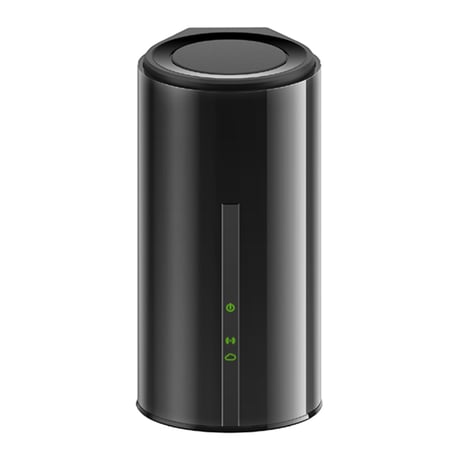
Product Picture
On home tile screen click “Hub Settings” Click “Advanced Options” Click “Learn ZW” under (Learn Z-Wave Network) and follow the on screen instructions.
N/A
On home tile screen click “Hub Settings” Click “Advanced Options” Click “Restore” (under Restore to Factory Settings) and follow the on screen instructions.
N/A
Click “Device Assistant” Click “Add Device” Select the Z-Wave product from the Catalog. Click “Find” Select your specific device Follow the onscreen instructions and click “add” which adds the product to the network.
Click “Device Assistant” Click “Remove Device” Click “Z-Wave” Follow the product manufactures removal instructions and then click “Remove” to exclude the Z-Wave device.