Ingersoll Rand - Nexia Home Intelligence
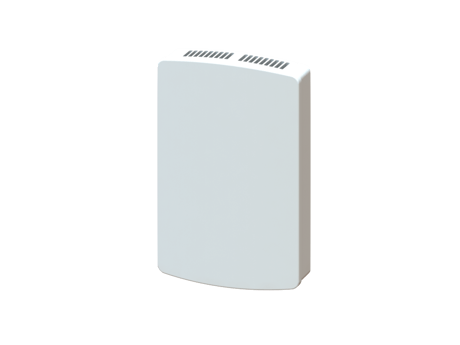
Z-Wave Doorbell Sensor
DB100Z
Notification Sensor
1.0
ZM5202
6.51.06
0x0178 (376)
0x4442 (17474)
0x3130 (12592)
ZC10-15060028
2015-06-25 10:43:33.3268
N/A
Enhanced 232 Slave
Reporting Sleeping Slave
The DB100Z is a voltage sensing device that sends out a Notification report when voltage is detected at the sensor inputs.
The DB100Z is a battery powered, voltage sensing device that sends out a Notification report when voltage is detected at the sensor inputs.


1 - Send Battery Report with Notification Report
This setting determines whether the battery level report will be sent when the notification report is sent by the device.Size: 1 byte
Default: 1
Minimum: 0
Maximum: 0
Possible values
| From | To | Desription |
|---|---|---|
| 0 | 0 | Do not send with the Notification Report |
| 1 | 1 | Send with the Notification Report |
1. Set primary controller to Include mode 2. Press the Install Button
1. Set primary controller to Exclude mode 2. Press the Install Button
When the Install Button is triple-pressed, the device will send a Wakeup Notification report and stay awake for 10 seconds. WAKEUP_INTERVAL_CAPABILITIES_REPORT Min Wake Up Interval :60 seconds Max Wake Up Interval: 86400 seconds Default Wake Up Interval: 25200 seconds Wake Up Interval Step: 60
Please only perform a factory reset when the primary controller is missing or inoperable. A factory reset will remove all network settings and configurations. 1. Hold down Install Button for 10 seconds 2. Release the Install Button 3. When the Status LED begins to blink, the unit has finished restoring configuration