SAMSUNG SDS
SMART BUTTON
SHP-TB100Z
Notification Sensor
01
ZM5101
6.51.06
0x022E (558)
0x0003 (3)
0x0003 (3)
ZC10-15060018
2015-06-19 06:25:55.3068
N/A
Enhanced 232 Slave
Reporting Sleeping Slave
Smart Button
Set up as door lock unlock or alarm panic button or to control other devices
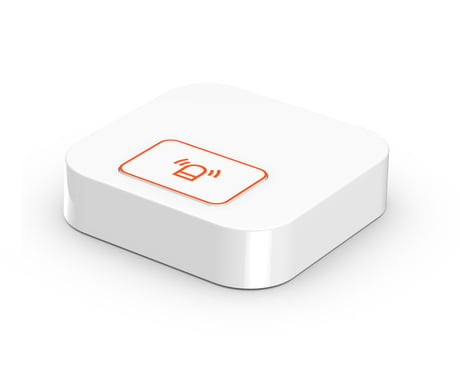
Product Picture
- Click [Add] icon in Z-Wave PC Controller Program - Press a Func_Button 1 time in SHP-TB100Z (Smart Button) - If Inclusion Process is successful, LED is Blinking 3 times in SHP-TB100Z
- Click [Remove] icon in Z-Wave PC Controller Program - Press a Func_Button 3 times quickly in SHP-TB100Z - If Exclusion Process is successful, LED is Blinking 5 times in SHP-TB100Z
- press a Func_Button
Please use this procedure only in the event that the network primary controller is missing or otherwise inoperable Press a Func_Button for 10 seconds in SHP-TB100Z - If Factory Reset Process is successful, LED is Blinking 1 time in SHP-TB100Z - Device Reset Locally notification is Transmitted