SAMSUNG SDS
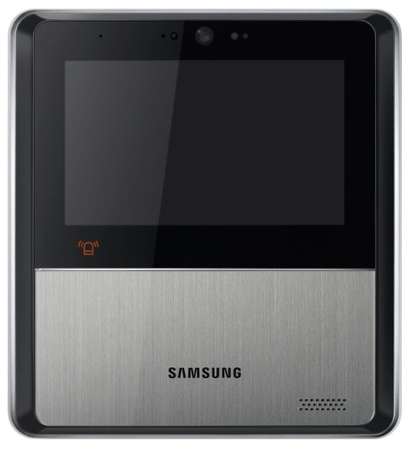
Home Security Pad
SHP-HA502M
Central Controller
1.0
ZM5101
6.51.06
0x022E (558)
0x0007 (7)
0x0008 (8)
ZC10-15070010
2015-07-07 05:59:42.4706
N/A
Static Controller
Central Static Controller
Home Security Pad
Home Security Pad make your home secure at anytime and from anywhere. A total security system which services intrusion detection, access management, monitoring and gas valve control, makes your life and home secured ever than before.
1. Set secondary controller to learn mode, and press shift for controller shift.
Use this procedure only when the network primary controller is missing or otherwise inoperable. 1. Press setting from main menu.(Refer to 1.Main Menu) 2. Press password menu 3. Enter password(#*00) and press Done. 4. Press OK and then Hidden menu shows up. 5. Press factory default menu
1. Press Device Management 2. Press Inclusion(Add) 3. HSP enters into Inclusion Mode for 60 seconds and It trys to include a device. 4. When a device is included to HSP, it displays that. If you want to include more, press include more. 5. If a device is included successfully, It is displayed on the list.
1. Press Exclusion(Remove), then It unfolds sub-menu. 2. Press exclusion of one device. 3. HSP enters into Exclusion Mode for 60 seconds and It trys to exclude a device. If a device is excluded, It will also be removed on the list.