Samsung Electronics, Co., Ltd.
SAMSUNG Connect Home
ET-WV520
Central Controller
HW: 22 FW: 4.38:00.17
SD3503
6.51.09
0x0201 (513)
0x0003 (3)
0x0017 (23)
ZC10-17035491
2017-03-17 14:35:22.85518
N/A
Static Controller
Central Static Controller
A connected smart home hub used to control a variety of Z-Wave sensors for home automation.
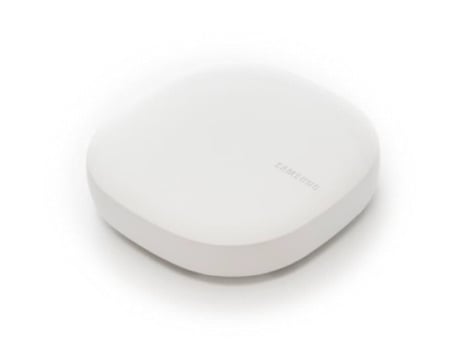
Product Picture
Learn mode is activated from the app by going to the 'more menu' button, at the upper left of the Dashboard and then tapping ‘gear icon’ in the side menu. After tapping the gear to the right upper of the Location name, scrolling down to the Hubs section and tapping [Your hub] > Z-Wave Utilities > Join or Leave Existing Z-Wave Network
The only way to factory reset the Z-Wave module from the mobile app is to delete the hub’s location. From the side menu, tap the gear to the right of the Location name to access the settings. Make sure the hub is listed as “Active” when you delete the location. If this controller is the primary controller for your network, resetting it will result in the nodes in your network being orphaned and it will be necessary after the reset to exclude and re-include all of the nodes in the network. If this controller is being used as a secondary controller in the network, use this procedure to reset this controller only in the event that the network primary controller is missing or otherwise inoperable.
In the app's, open the My Home Button, and then tapping “+ Add a Thing”. After tapping, the screen says ""Searching"" to indicate that inclusion mode is active.
In the app's ""My Home - Things"" tab, tap the name of the device to show the device details. Then, open the menu in the upper right and tap 'gear icon' and tapping the 'remove' button. Alternatively, The hub is put in network wide inclusion mode by tapping the more menu button, at the upper left of the Dashboard and then tapping ‘gear icon ’ in the side menu. After tapping the gear to the right upper of the Location name, scrolling down to the Hubs section and tapping [Your hub] > Z-Wave Utilities > General Device Exclusion > Remove
| Type | Value(s) |
|---|