WeBeHome
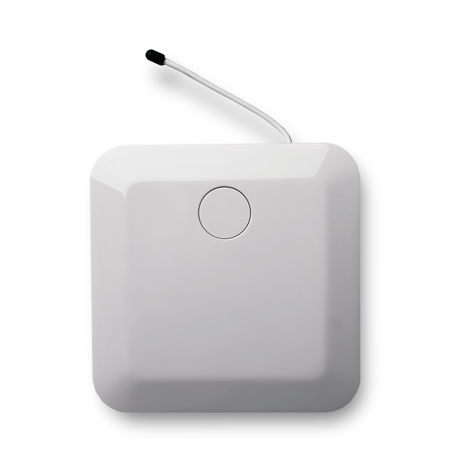
Home Gateway 2 Plus
WBH-HG2+EU
Gateway
HW: 3 FW: 4.33:01.04:03.01
ZM5304
6.61.00
0x0171 (369)
0x0001 (1)
0x0003 (3)
ZC10-17065637
2017-06-05 19:48:51.040117
N/A
Static Controller
Central Static Controller
A small and designed Z-Wave+ Gateway that is connected to our Smart Cloud solution.
The Gateway is added to the Smart Cloud from WeBeHome. The cloud service has a wide range of powerful function to smartify your home. A web portal is used to maintain the system and get access to advanced functions. The WeBeHome Control app is used to view and control the home. It is possible to add multiple Locations with multiple Gateways. The role based user permission system give possibilities to invite family, friends and neighbors to get a secure solution. The web and app are available in English, French and Swedish.
In the WeBeHome portal: - Open the Z-Wave module configuration page - Press the ""Start"" button on the section ""Add this Home Gateway to an existing Z-Wave network (Start Network Wide Learn Mode)
In the WeBeHome portal: - Open the Z-Wave module configuration page - Press the ""Start"" button on the section ""Reset this Home Gateway Z-Wave network to default settings"" Notice: It is recommended to use Reset only when the primary controller is missing or inoperable. If this Home Gateway is the primary controller for your Z-Wave network a Reset will make all your Z-Wave accessories beeing orphan. After a Reset it is necessary to exclude (or reset) all accessories and then re-include them. If this Home Gateway is used as a secondary controller, use this function to make it leave the Z-Wave network.
In the WeBeHome portal: - Press the ""Add Z-Wave accessory"" button - Select the accessory from the list or select ""Generic Z-Wave accessory""
In the WeBeHome portal: - Open the accessory configuration page - Press the ""Remove"" button
| Type | Value(s) |
|---|