Climax Technology
Luminance Meter
LM-1ZW
Notification Sensor
HW: 255 FW: 2.06
ZM5202
6.71.01
0x018E (398)
0x0004 (4)
0x0017 (23)
ZC10-17065661
2017-06-22 22:28:22.540689
N/A
Enhanced 232 Slave
Reporting Sleeping Slave
Yes
LM-1ZW is a Z-Wave Ambient Light Sensor.
LM-1ZW is a Z-Wave Ambient Light Sensor. It monitors your home environment and transmits measured Illuminance (lux), to the coordinator in the Z-Wave network.
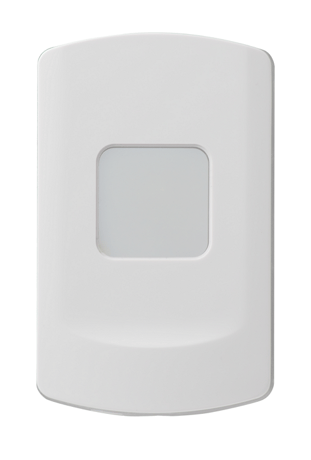
Put the Z-Wave gateway or control panel into Inclusion mode (please refer to the Z-Wave gateway or control panel manual). Within 1.5 seconds, press the Function Button 3 times. Refer to the operation manual of the Z-Wave gateway or control panel to complete the adding process. If the Sensor has already been added (included) into another Z-Wave Gateway/Control Panel, or if the device is unable to be added into the current Z-Wave Gateway/Control Panel, try removing it first (see Removing Device).
Put the Z-Wave gateway or control panel into Exclusion mode (please refer to the Z-Wave gateway or control panel manual). Within 1.5 seconds, press the Function Button 3 times and the Sensor will be removed from the Z-Wave network, the LED will light on for 1 second to indicate.
This function uses the Z-Wave Wake Up Command Class. The Wake Up Command Class allows the battery-powered Sensor to notify the Control Panel/Gateway that it is awake and ready to receive any queued commands. The wake up time period is programmed automatically according to Control Panel’s setting when The Sensor is included. The recommended setting of the wake up time is 60 minutes above.
(Only use factory reset when network Control Panel/Gateway is missing or inoperable) Remove the battery of the Sensor first. Press and hold the Function Button. While holding the Function Button, power on the Sensor by re-inserting the battery, wait for 10 seconds to factory reset, the LED will light on for 1 second to indicate.
| Type | Value(s) |
|---|
| Sensor type |
|---|
| Illuminance |