Samsung Electronics, Co., Ltd.
SAMSUNG Connect Home
ET-WV522
Central Controller
HW: 24 FW: 4.38:00.17
SD3503
6.51.09
0x0201 (513)
0x0003 (3)
0x0019 (25)
ZC10-17075678
2017-07-05 18:23:59.202854
N/A
Static Controller
Central Static Controller
A connected smart home hub used to control a variety of Z-Wave sensors for home automation.
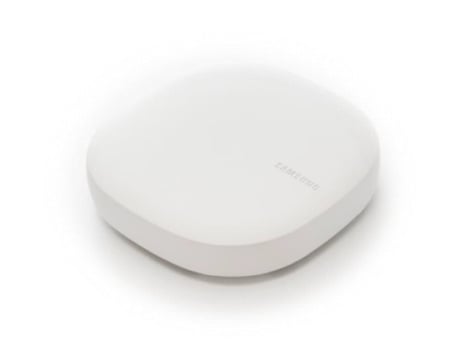
Product Picture
Learn mode is activated from the app by going to the 'more menu' button, at the upper left of the Dashboard and then tapping ‘gear icon’ in the side menu. After tapping the gear to the right upper of the Location name, scrolling down to the Hubs section and tapping [Your hub] > Z-Wave Utilities > Join or Leave Existing Z-Wave Network
If your Wi-Fi hub is frozen and unresponsive, inset a pin into the Reset hole. If you want to clear the location, Tap My Devices and Scroll the screen to the left or right to select a location. Tap →Edit and use the following option. Location name→REMOVE PLACE. If you reset the Wi-Fi hub, you should exclude the Z-Wave device and re-include it. For instructions on how to exclude Z-Wave devices, refer respective Z-Wave device’s user manual.
The hub is put in network wide inclusion mode by tapping the ""+"", Tap ADD DEVICE MANUALLY and select a device category. And Select device maker. On the device you want to include, enter inclusion mode and complete the inclusion.
Tap My devices and scroll the screen to the left of right to select a location. Tap →Edit→DELETE DEVICE. The hub is put in the network wide exclusion mode by tapping the My devices→SMARTTHINGS HUB. And upper right of the Dashboard and then tapping the →Z-Wave exclusion
| Type | Value(s) |
|---|