Clare Controls
CLIQ.mini Controller
CLIQ-MOSM-10
Central Controller
HW: 0 FW: 3.99:05.04
ZM5101
6.61.00
0x0194 (404)
0x0001 (1)
0x0001 (1)
ZC10-17095778
2017-09-20 17:04:37.730091
N/A
Static Controller
Central Static Controller
Short Product DescriptionThe CLIQ.mini is a small but powerful entry-level smart home control hub intended for volume deployment. The CLIQ.mini lowers overall system cost, to both the dealer and the homeowner, while simplifying project configuration and slashing installation time.
The CLIQ.mini is designed to be a powerful, low-cost smart home control hub that supports hundreds of the most popular products from today’s top manufacturers. CLIQ.mini supports: lighting, security integration, door locks, garage doors, thermostats, video surveillance, multi-room audio, video entertainment, sensors, other devices and more! Always Current, Always Running Shipped preloaded with the Clare automation system, the CLIQ.mini control hub is the in-home ‘brain’ of the automation solution. The CLIQ.mini hub receives automatic silent updates to ensure the product is always up to date with the latest features and fixes without requiring integrators to roll trucks, and without interrupting end user’s running applications. Maintenance Ease The control hub is the gateway to Clare’s Automation Cloud Ecosystem, allowing integrators to configure, deploy and maintain the system remotely.
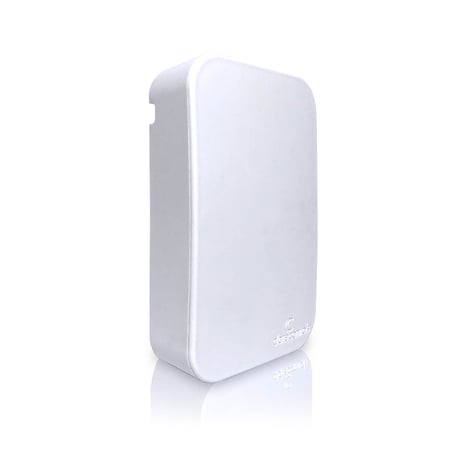
Product Picture
Enter learn mode on the primary controller Select learn mode from the web application
Enter the node ID Select Wake Up
If this controller is the primary controller for your network, resetting it will result in the nodes in your network being orphaned and it will be necessary after the reset to exclude and re-include all of the nodes in the network. If this controller is being used as a secondary controller in the network, use this procedure to reset this controller only in the event that the network primary controller is missing or otherwise inoperable.""
Select adding mode from the web application
Select removing mode from the web application
| Type | Value(s) |
|---|