Aibase
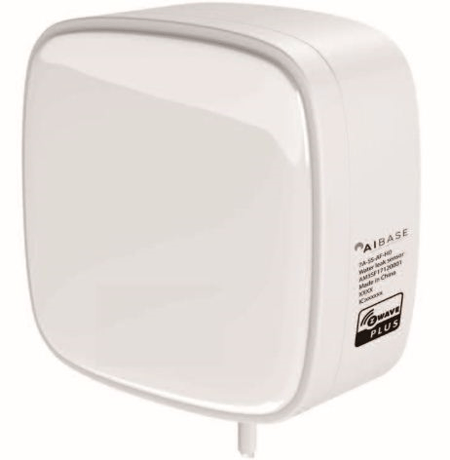
Water Leak Sensor
HA-ZW-5SF
Notification Sensor
HW: 1 FW: 1.09
ZM5101
6.71.01
0x0384 (900)
0x0200 (512)
0x000a (10)
ZC10-18056119
2018-05-23 22:06:12.391211
N/A
Enhanced 232 Slave
Reporting Sleeping Slave
Yes
Water Sensor is a wireless water leak sensor
✓ It alerts you with a built-in siren when water is detected ✓ Low voltage alarm to remind changing battery ✓ Easy to set up and use ✓ Universally applicable: universally applicable in every place and circumstances.


10 - Level of low battery
This parameter defines a battery level as the “low battery”.Size: 1 byte
Default: 10
Minimum: 0
Maximum: 0
Possible values
| From | To | Desription |
|---|---|---|
| 10 | 50 | when the battery level is less than this value, device will send low battery report to the gateway |
11 - Beeping rate
beeping rate when the water probe is triggeredSize: 1 byte
Default: 0
Minimum: 0
Maximum: 0
Possible values
| From | To | Desription |
|---|---|---|
| 0 | 0 | buzzer keep on 1s, off 1s |
| 1 | 1 | buzzer keep on 0.5s, off 0.5s |
| 2 | 2 | buzzer keep on beeping always |
| 3 | 3 | buzzer keep silence |
254 - Lock/unlock all configuration parameters.
Lock/unlock all configuration parameters.Size: 1 byte
Default: 0
Minimum: 0
Maximum: 0
Possible values
| From | To | Desription |
|---|---|---|
| 0 | 0 | unlock |
| 1 | 1 | lock |
1. Insert the battery. 2. Set the Z-Wave network main controller into Inclusion mode. 3. Triggering this button action. 4. If the add for inclusion is successful, the LED will blink fast and then keep on 3 seconds. Otherwise, the LED will blink 25 seconds and then turn off, in which case you need to repeat the process from step 2.
1. Insert the battery. 2. Set the Z-Wave network main controller into exclusion mode. 3. Triggering this button action. If the remove for exclusion is successful, the LED will blink fast and turn off. Otherwise, the LED will keep solid for 25 seconds and then turn off, in which case you need to repeat the process from step 2.
Short press the z-button 3 times within 1 second. LED will blink once, and Sensor will send wake up notification to wake the device up.
Pressing and holding the z-button for 5 seconds, LED will blink for 5 seconds and then keep solid for 3 seconds, after that Water Leak Sensor will send “Device_Reset_Locally” to the main controller and exclude from the Z-Wave network. Use this procedure only in the event that the network primary controller is missing or otherwise inoperable.
| Type | Value(s) |
|---|
| Group | Type |
|---|---|
| Water Alarm | (Refer to parameters): State idle |
| Sensor type |
|---|
| Water Flow |