iSurpass
Smart Door Lock
iLock15
Door Lock - Keypad
HW: 1 FW: 4.01:01.01
ZM5202
6.81.01
0x021c (540)
0x5010 (20496)
0x1001 (4097)
ZC10-18086222
2018-08-31 16:06:47.753656
N/A
Enhanced 232 Slave
Listening Sleeping Slave
Yes
The iSurpass Smart Door Lock, supports passwords, key and remote lock/unlock.
The iSurpass Smart Door Lock provides more convenience to secure your home. It supports passwords, key and remote lock/unlock. It's a Z-Wave product and compatible with all Z-Wave networks. Any third party manufacturer controller can include/exclude this lock. Use in conjunction with a Security Enabled Z-Wave Controller to fully utilize all implemented functions.
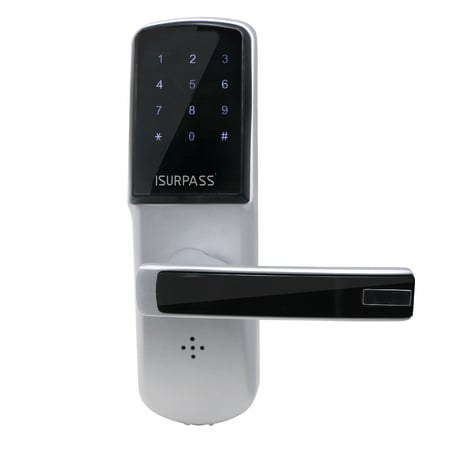
Product Picture
1)Set gateway in Inclusion. 2)Set door lock in learn mode. press reset button -> input admin password + # -> press 0 3)Wait until success.
1)Set gateway in exclusion . 2)Set door lock in learn mode. press reset button -> input admin password + # -> press 0 3)Wait until success.
User should reset device for safety when receiving lock first or if forget the password or if lost card. The reset way : hold the reset button about 7s, when hear “Di“ sound, then release the button, door lock will be reset. Factory default reset will reset all user (password and card) and home ID and device ID (about Z-Wave function), so be carefully to do reset. The default admin password is 123456 . Please use this procedure only when the network primary controller is missing or otherwise inoperable.
| Type | Value(s) |
|---|