MCO Home
Touch Panel Switch
MH-S510 series
On/Off Power Switch
HW: 255 FW: 6.00
ZM5202
6.71.03
0x015F (351)
0x5131 (20785)
0x5101 (20737)
ZC10-19106776
2019-10-15 16:09:21.524072
N/A
Enhanced 232 Slave
Always On Slave
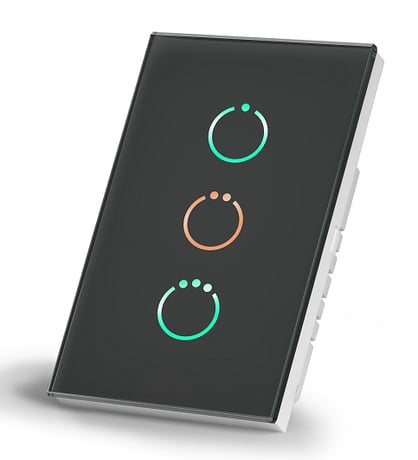
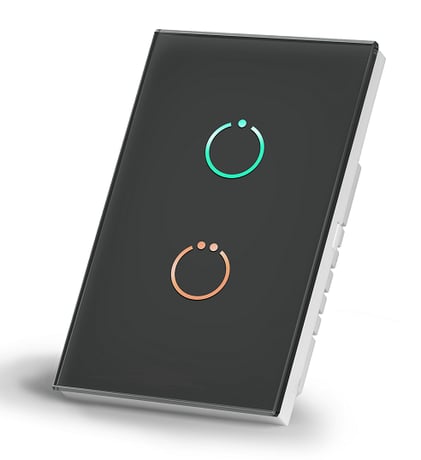
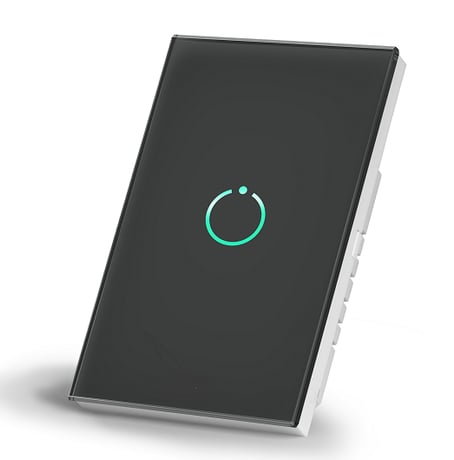
Touch Panel Switch is a wall panel built-in with Z-Wave Plus module for on/off switching.
Touch Panel Switch is a wall panel built-in with Z-Wave Plus module. With its stylish design and stable performance, the panel can be used to control house-hold electrical appliances like lamp, motor, coffee machine, TV set etc. This product can be included and operated in any Z-Wave network with other Z-Wave certified devices from any other manufacturers.
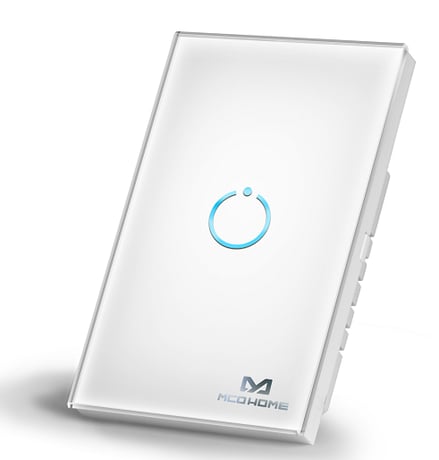
Product Image
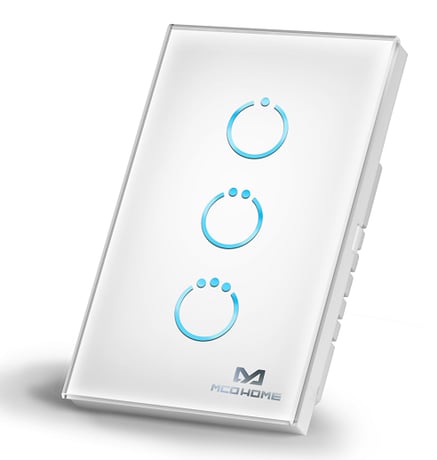
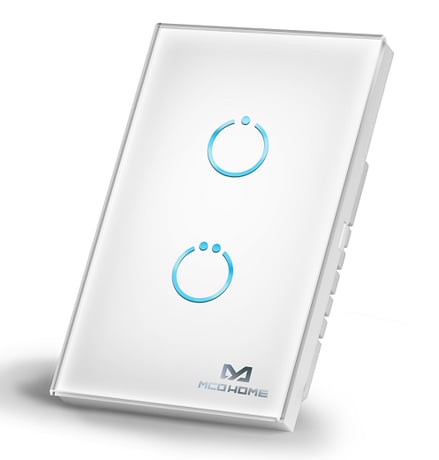


2 - Parameter 1
0x00 not saved, switch will be off when powered again 0x01 saved, switch will keep the same state when powered againSize: 1 byte
Default: 1
Minimum: 0
Maximum: 1
Possible values
| From | To | Desription |
|---|---|---|
| 0 | 1 | Switch state saved or not when power failure |
4 - Parameter 2
0x00 LED disabled 0x01~0x0A Min level-Max levelSize: 1 byte
Default: 10
Minimum: 0
Maximum: 10
Possible values
| From | To | Desription |
|---|---|---|
| 0 | 10 | LED Backlit brightness level |
5 - Parameter 3
0x00 single click to switch on/off status 0x01 Key default as off state. When it is turned on, then it will be turned off automatically after a time period , which can be set in item 0x06 0x02 Key default as on state. When it is turned off, then it will be turned on automatically after a time period , which can be set in item 0x06Size: 1 byte
Default: 0
Minimum: 0
Maximum: 2
Possible values
| From | To | Desription |
|---|---|---|
| 0 | 2 | Key Mode |
6 - Parameter 4
0x00 infinite 1~32767 unit "sec"Size: 2 bytes
Default: 0
Minimum: 0
Maximum: 32767
Possible values
| From | To | Desription |
|---|---|---|
| 0 | 32767 | Key On duration |
7 - Parameter 5
0x00 Button(Momentary button) 0x01 Toggle(2-state switches)Size: 1 byte
Default: 0
Minimum: 0
Maximum: 1
Possible values
| From | To | Desription |
|---|---|---|
| 0 | 1 | External aux-switch type |
1. Set controller into ADD mode. Follow instructions provided by controller manufacturer. 2. Press and hold any key on the panel for 8 seconds or 3 clicks in quick succession. Note: If the ADD is successful, all INDICATION LEDs on the panel will flash 4 times.
1. Set controller into REMOVE mode. Follow instructions provided by controller manufacturer. 2. Press and hold any key on the panel for 8 seconds or 3 clicks in quick succession. Note: If the REMOVE is successful, all INDICATION LEDs on the panel will flash 4 times. The REMOVE will delete all association data.
Press 20 times of any button (the interval time of touching is less than 500 milliseconds and the relay will keep same state after continually touching more than five times) or exclude the device from Z-Wave network, the factory setting will be restored. Please use this procedure only when the network primary controller is missing or otherwise inoperable.
| Type | Value(s) |
|---|