O2 Czech Republic a.s.
O2 Smart Box
O2 Smart Box 1
Gateway
HW: 1 FW: 6.04:02.81:01.00:01.00
ZM5101
6.81.03
0x029C (668)
0x0002 (2)
0x0001 (1)
ZC10-21047021
2021-04-21 15:16:04.789899
N/A
Bridge Controller
Central Static Controller
Z-Wave enabled Smart Home gateway and router by O2 Czech Republic a.s.
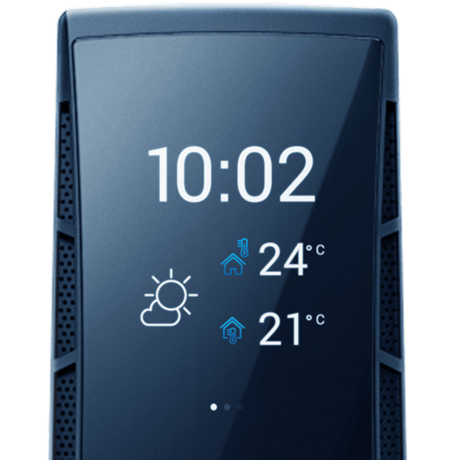
Product Image
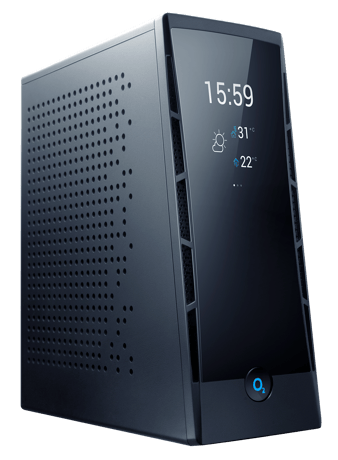
Front view
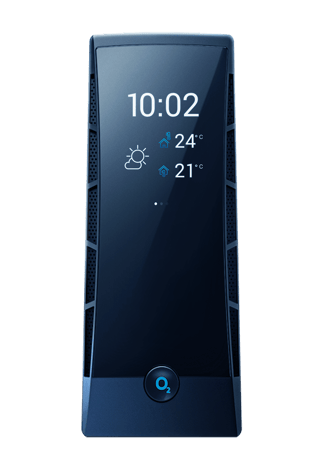
Detail of the display
O2 Smart Box is mainly controlled from within O2 Smart Box application for smartphones. In section Add new device in our application, customer selects type of device and application activates inclusion mode at the gateway.
O2 Smart Box is mainly controlled from within O2 Smart Box application for smartphones. In detail of every Z-Wave device, customer can find option to "Unpair device". When he selects this option, gateway enters exclusion mode and instruction how to exclude this device is shown in application (e.g. Click the pairing button three times within one second)
Select the Factory Reset item in the Advanced drop-down menu in WebUI. Select the Factory Reset item in settings section in O2 Smart Box application. Press and hold reset button at the back side of O2 Smart Box for 15 seconds.
This part is covered in waiver. Discussed via email between Aaron Simon([email protected]) and Radek Vojkůvka ([email protected])
| Group | Type |
|---|---|
| Smoke Alarm | State Idle |
| Sensor type |
|---|
| Air Temperature |
| Illuminance |
| Power |
| Humidity |
| Meter type |
|---|
| Electric Meter Consumption |
| Electric Meter Production |