Hank
700_STICK
HKZW-STICK02
Hardware Device
HW: 0 FW: ERROR
ZGM130
7.15.1
N/A
N/A
N/A
ZC12-21050232
2021-05-18 14:56:37.260236
N/A
Bridge Controller
N/A - Hardware Device
This is a Z-Wave USB stick controller
The Stick is a USB v2.0 full speed low power CDC-ACM compliant Z-Wave adapter in a thumb drive form factor. The Stick can act as a Z-Wave Controller when it’s connected to a host like PC, MAC or Gateway (some in the market) etc. With a certain program installed on the PC, it can add or remove devices in or from a network
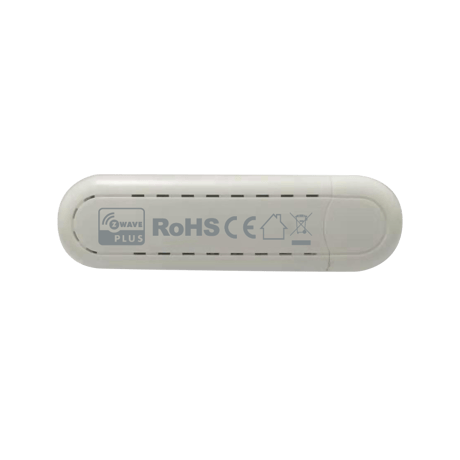
Product Image
1) Open the cover. 2) Place the device within the direct range of your Z-Wave controller. 3) Set the main controller in add mode (see the controller’s manual). 4) Click the Z-button once or triple click the Z-button quickly, the LED indicator should blink fast. 5) Wait for the adding process to end. 6) Successful adding will be confirmed by the Z-Wave controller’s message.
1) Open the cover. 2) Place the device within the direct range of your Z-Wave controller. 3) Set the main controller remove mode (see the controller’s manual). 4) Triple click the Z-button quickly, the LED indicator should blink fast. 5) Wait for the removing process to end. 6) Successful adding will be confirmed by the Z-Wave controller’s message.
Follow the instructions in the host application that this product is used with.
Press and hold the Z button for more than 5 seconds and release.
Follow the instructions in the host application that this product is used with.
None
Follow the instructions in the host application that this product is used with.
Follow the instructions in the host application that this product is used with.
| Type | Value(s) |
|---|