Weiser
10 Button Z-Wave Plus v2 Deadbolt
GED1800
Lock
HW: 1 FW: 7.13:69.28
ZGM130
7.13.6
0x0090 (144)
0x0811 (2065)
0x03A8 (936)
ZC12-21080301
2021-08-10 17:34:15.619797
N/A
Enhanced 232 Slave
Listening Sleeping Slave
Yes
The HomeConnect 620 Deadbolt featuring Z-Wave™ 700
A Z-Wave Plus™ enabled deadbolt from Kwikset, offering the latest S2 security and SmartStart functionality. Has a 10-Digit keypad with one-touch locking, tapered deadbolt designed to assist with misaligned doors, and features the SmartKey Re-Key technology with BumpGuard protection.
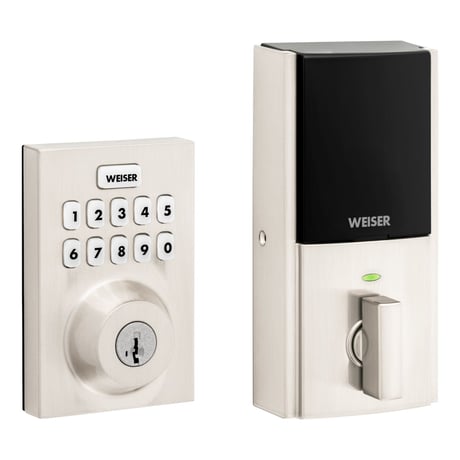
Product Image
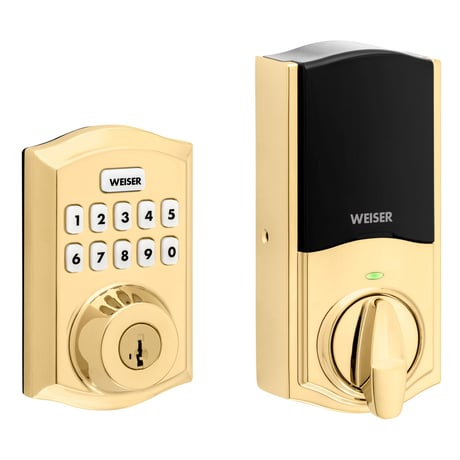
Weiser GED1800, Traditional, Satin Nickel
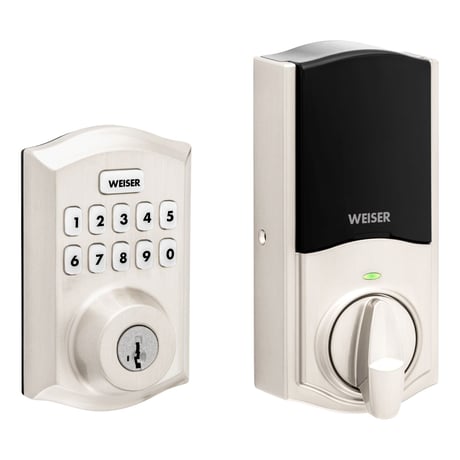
Weiser GED1800, Traditional, Venetian Bronze
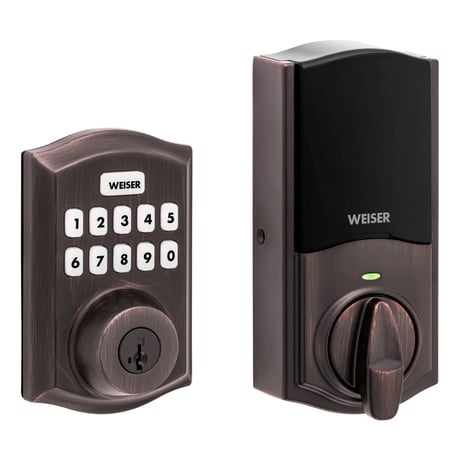
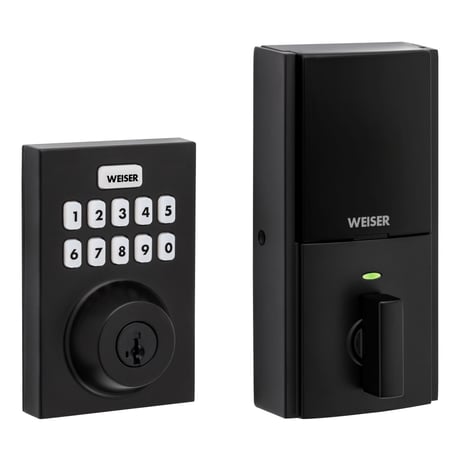
Weiser GED1800, , Contemporary, Matte Black
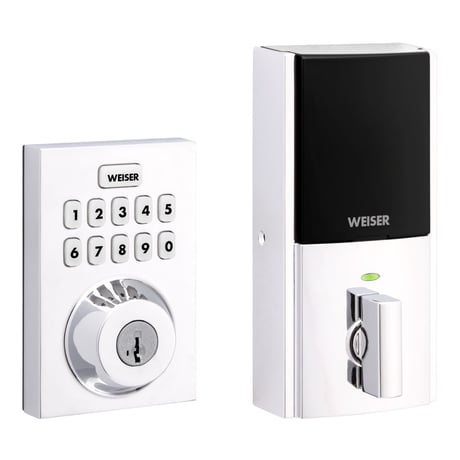
Weiser GED1800, , Contemporary, Polished Chrome
Weiser GED1800, Contemporary, Satin Nickel


1 - Status LED Control
The configuration parameter 1 is a read/write parameter with a one-byte field, used to control the status LED. If set to on, the status LED will show the status of the latch every 6 seconds. If set to off, the status LED will not be shown.Size: 1 byte
Default: 1
Minimum: 0
Maximum: 1
Possible values
| From | To | Desription |
|---|---|---|
| 0 | 0 | Turns Status LED off |
| 1 | 1 | Turns Status LED on |
2 - Sound Control
The configuration parameter 2 is a read/write parameter with a one-byte field, used to control the lock’s buzzer. If set to on, the buzzer is enabled and will sound during normal events. If set to off, the buzzer is disabled, and the buzzer sound will not occur.Size: 1 byte
Default: 1
Minimum: 0
Maximum: 1
Possible values
| From | To | Desription |
|---|---|---|
| 0 | 0 | Turns the sound (buzzer) off |
| 1 | 1 | Turns the sound (buzzer) on |
3 - User Program Button Control
The configuration parameter 3 is a read/write parameter with a one-byte field, used to control the user program button. If set to on, the program button is available for user code maintenance. If set to off, the program button is not available for user code maintenance.Size: 1 byte
Default: 1
Minimum: 0
Maximum: 1
Possible values
| From | To | Desription |
|---|---|---|
| 0 | 0 | Disables the program button |
| 1 | 1 | Enables the program button |
4 - Secure Screen Control
The configuration parameter 4 is a read/write parameter with a one-byte field, used to control the secure screen functionality on touch locks only. This parameter is not used on non-touch locks and will be ignored. If set to enabled, the touch screen will display the secure screen functionality when woken. If set to disabled, the touch screen will not display the secure screen functionality when woken.Size: 1 byte
Default: 1
Minimum: 0
Maximum: 1
Possible values
| From | To | Desription |
|---|---|---|
| 0 | 0 | Disables secure screen (Touch products only) |
| 1 | 1 | Enables secure screen (Touch products only) |
10 - Handing Control
The configuration parameter 10 is a read/write parameter with a one-byte field. When this parameter is read, it will return the handing of the lock. When this parameter is written, it will run a handing operation. When written with a value of 0x01, it will cause the lock to cycle through locking and unlocking until it determines the correct handing. It is suggested that this operation occur while the door is opened so that no obstructions will be in the way for the operation. After the completion of the handing process, a Configuration Report message will be sent back to the requestor. It will contain a non-zero value for success or a zero value for failure.Size: 1 byte
Default: 0
Minimum: 0
Maximum: 2
Possible values
| From | To | Desription |
|---|---|---|
| 0 | 0 | Unknown latch position (get/read from lock) |
| 0 | 1 | Initiate the handing process (set/write to lock) |
| 1 | 0 | Right handed lock (get/write to lock) |
| 2 | 0 | Left handed lock (get/write to lock) |
40 - Factory Default Control
The configuration parameter 40 is a write only parameter with a one-byte field, used to request the lock to perform a factory reset back to its default state. This control will cause the lock to be removed from the network, placing the lock back to its default state. When a read is issued for this parameter, a 0 will be returned.Size: 1 byte
Default: 0
Minimum: 0
Maximum: 2
Possible values
| From | To | Desription |
|---|---|---|
| 0 | 0 | No action (get) |
| 1 | 1 | Perform a full factory reset (set) |
| 2 | 2 | Perform a modified factory reset (set) - for production only |
46 - Motor Load Value
The configuration parameter 46 is a read only parameter with a four-byte field. It is used to retrieve the calculated sideload value from the last motor run that was performed. This value is used to represent the amount of power needed to run the motor, giving the opportunity to see if any resistance was encountered based on the value read from a free running motor with no resistance.Size: 4 bytes
Default: 0
Minimum: 0
Maximum: 16777215
Possible values
| From | To | Desription |
|---|---|---|
| 0 | 16777215 | Provides an insight into the amount of resistance encountered by motor |
Press button "A" on the lock interior one time.
Press button "A" one time.
The lock is a sleepy device and is always in listening mode.
1. Remove battery pack. 2. Press and HOLD "Program" button while reinserting the battery pack. Keep holding the button for 30 seconds until the lock beeps and the status LED flashes red.
For enhanced security, a MasterCode may be used in order to protect local user code maintenance, as well as other configuration settings.
On the product interior chassis.
| Type | Value(s) |
|---|
| Group | Type |
|---|---|
| Access Control |
|
| Home Security |
|
| Power Management |
|