Alfred
Touchscreen Digital Deadbolt
DB2-B
Door Lock - Keypad
HW: 1 FW: 3.06:01.32
ZM5202
6.71.03
0x0465 (1125)
0x0003 (3)
0x0001 (1)
ZC10-24047127
2024-03-19 05:40:43.685058
N/A
Enhanced 232 Slave
Listening Sleeping Slave
Yes
Z-Wave Controled mortise Door Lock with keypad and fingerprint scanne
Lock and unlock your door anywhere and anytime by integrate your lock into your Z-Wave home automation or security system for ultimate convenience. Features Bluetooth technology for added convenience with auto-unlock.
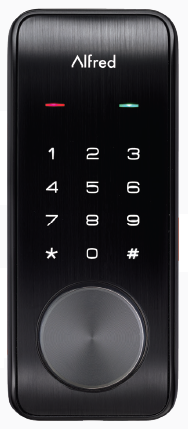
Product Image
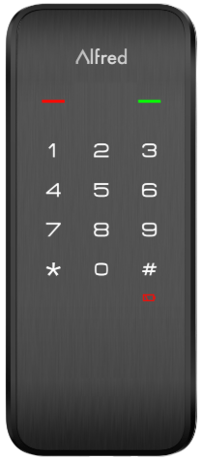
in Z-Wave Plus System Integrators Guide V5.2.pdf
in Z-Wave Plus System Integrators Guide V5.2.pdf
Remove battery cover and batteries. Remove and/or insert network module. Re install batteries and battery cover.
Open the door and keep the lock in "unlock" status Open battery box and find the reset button. Use a sharp thing to press and hold the reset button. Keep holding the reset button and remove a battery from battery box then replace it. Keep holding the reset button until hearing voice guide.Keep holding the reset button until hearing voice guide.
ZWave DSK in Z-Wave Plus System Integrators Guide V5.2.pdf
| Type | Value(s) |
|---|
| Group | Type |
|---|---|
| Access Control |
|