Nice S.p.A
Push-Control
NICE Push-Control
Wall Controller
HW: 01 FW: 03.02
ZM5101A-CME3
6.51.09
0x010F (271)
0x0F01 (3841)
0x2000 (8192)
ZC10-25070010
2025-07-01 14:38:51
N/A
Enhanced End Node 232
Portable Slave
Universal wireless button.
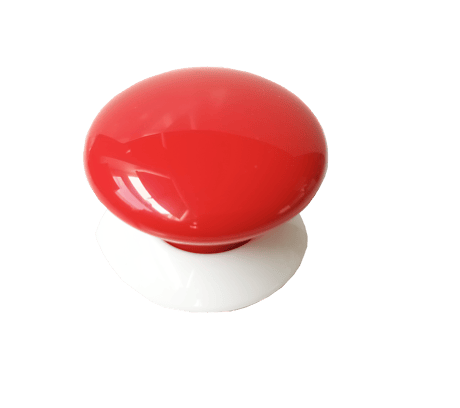
To add the device to the Z-Wave network manually: 1. Place Push-Control within the direct range of your Z-Wave hub. 2. Set the main hub in (security/non-security) add mode. For more information, see the hub manual. 3. Click the button six times at least. 4. Wait for the adding process to end. 5. Successful adding is confirmed by the Z-Wave hub message.
To remove the device from the Z-Wave network: 1. Place Push-Control within the direct range of your Z-Wave hub. 2. Set the main hub in remove mode. For more information, see the hub manual. 3. Click Push-Control at least six times. 4. Wait for the removing process to end. 5. Successful removing is confirmed by the Z-Wave hub message.
Push-Control needs to be woken up to receive information from the hub, about the new configuration of parameters or associations. Click Push-Control four times to wake it up.
To reset the device: 1. Click Push-Control exactly five times. 2. Press and hold Push-Control for at least five seconds.